
01
Polish should be practical
Great store creative should not require a giant design file or hours of repetitive production work.
Why we built Sabsi
We are making the last mile between a great app and a great store listing simpler, faster, and much more enjoyable.
The idea
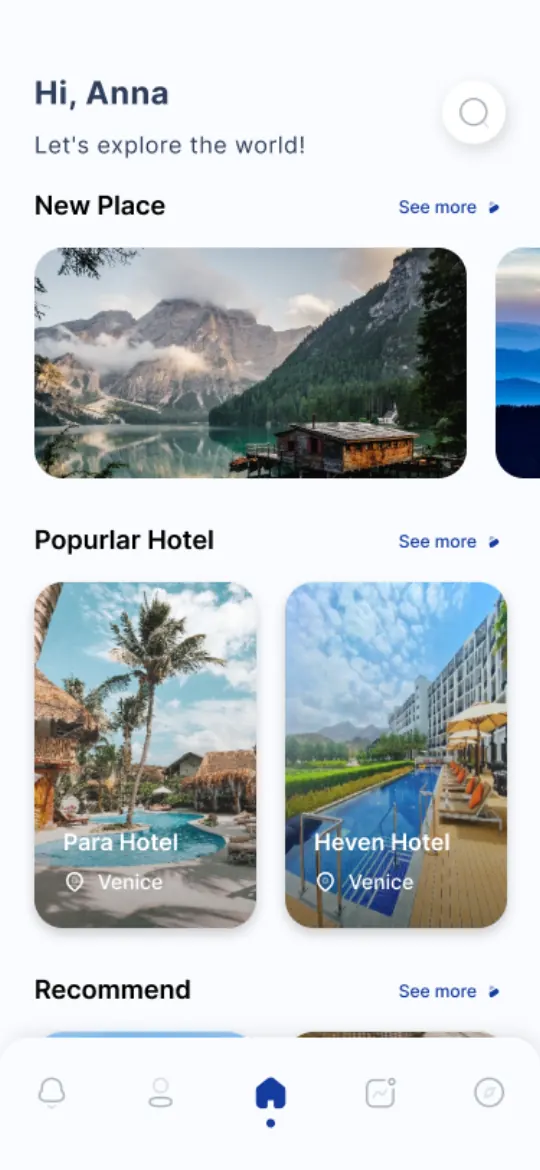
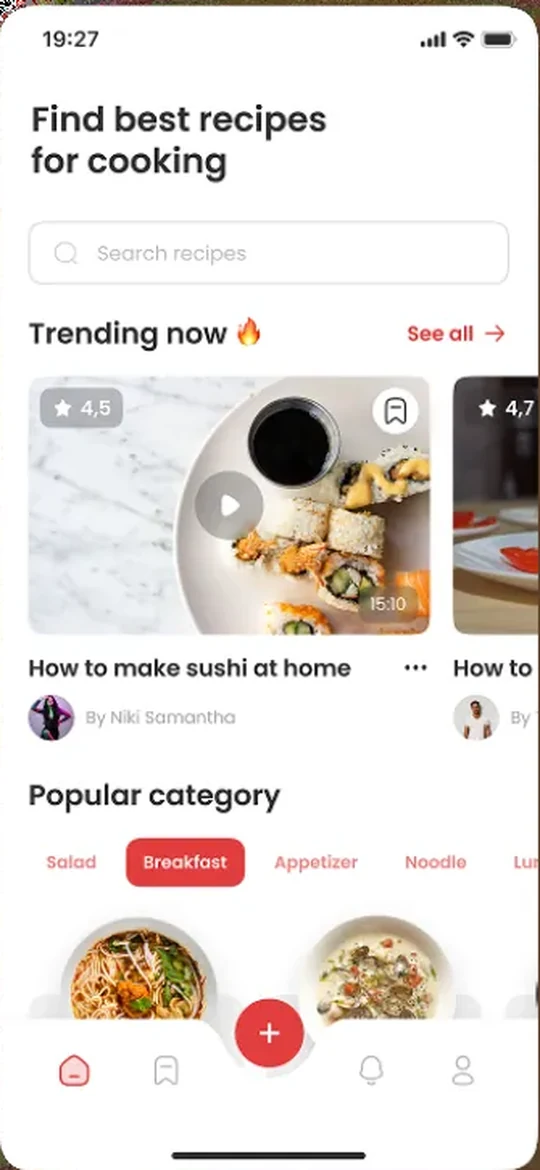
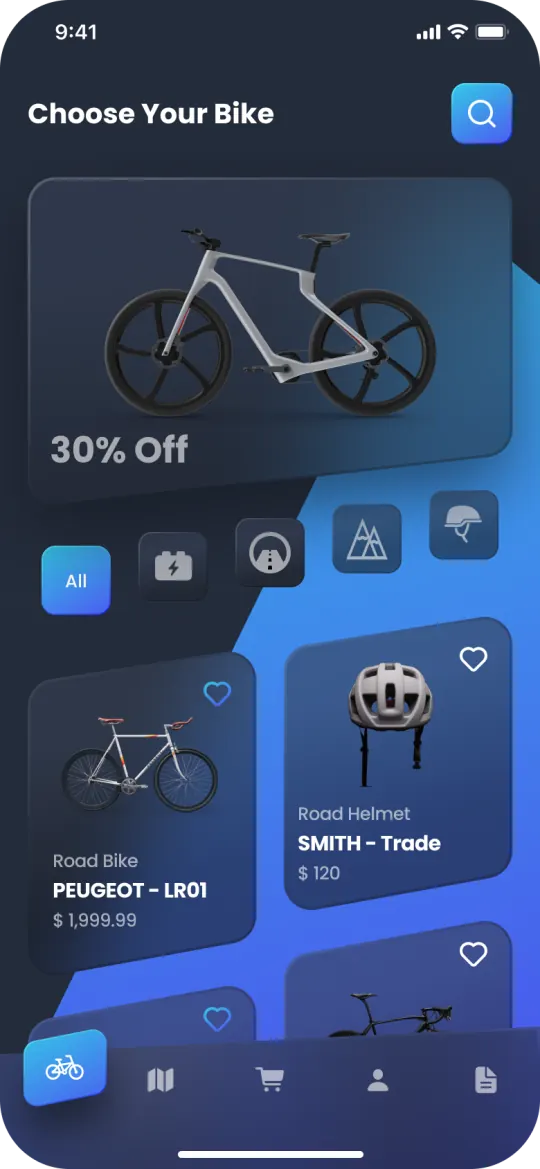
Building an app takes care, conviction, and an unreasonable amount of attention to detail. But when launch day arrives, presenting that work often means wrestling with device frames, export sizes, and one-off design files.
Sabsi exists to turn that production chore into a focused creative workflow. One place to shape the story, see every screen together, and leave with assets ready for the stores.
Less resizing. More refining the message that makes someone tap “Get.”
What we believe
Great store creative should not require a giant design file or hours of repetitive production work.
A new feature, headline, or locale should be a quick update—not a reason to rebuild every asset.
Every screen and device should feel like one coherent story, from the first frame to the last.
Sabsi keeps the creative work in one place, so a launch can move from rough idea to store-ready set without losing momentum.
Begin with a polished template or a clean canvas.
Add your screenshots, copy, colors, and device frames.
Download the right assets for App Store and Google Play.
Create a polished screenshot set, preview every size, and export when it feels right.
Create your first set