
Designed for store listings
Create a cohesive screenshot story that helps customers understand your app before they download.
App Store screenshot generator
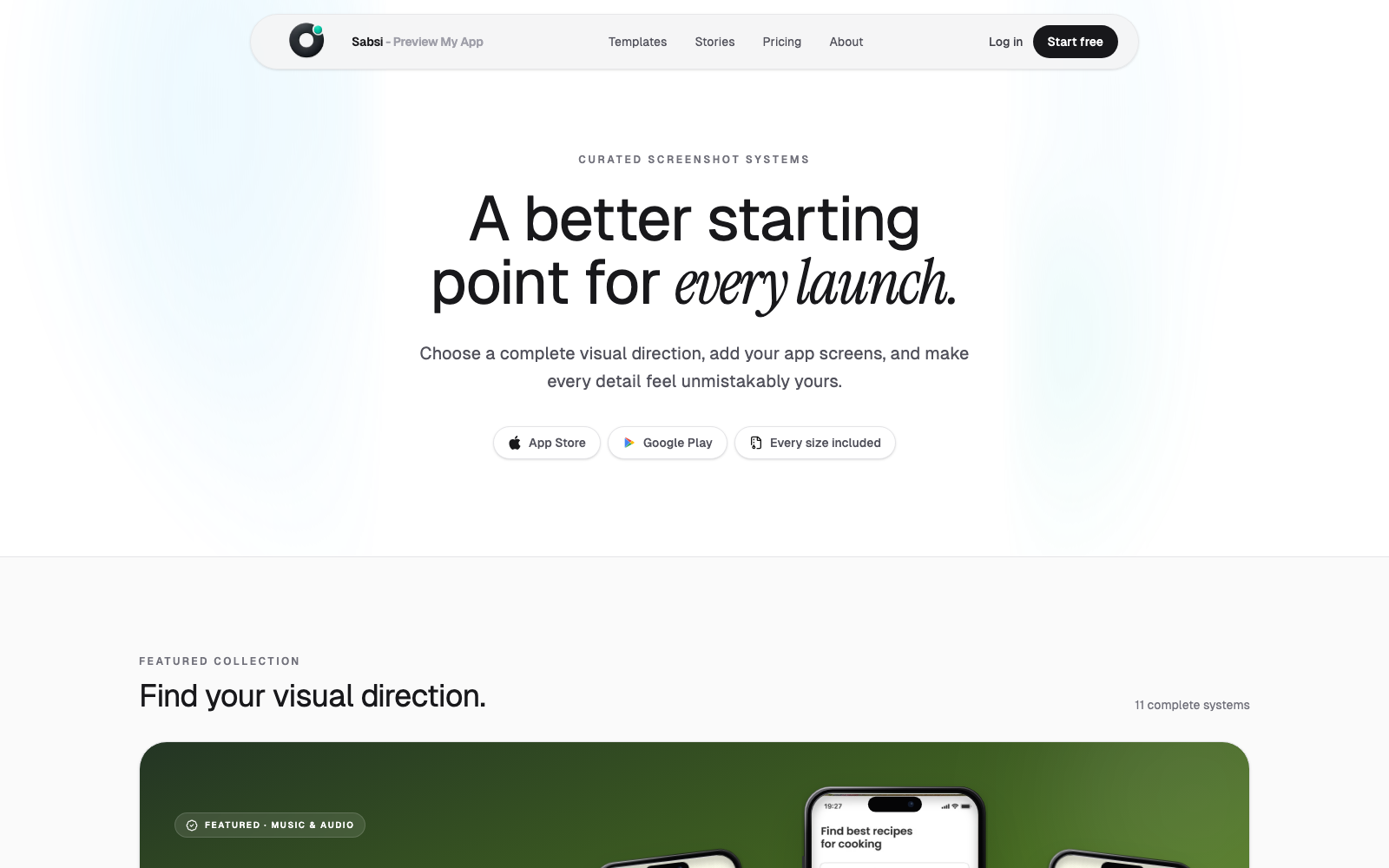
Build App Store screenshot sets that explain your app clearly. Use editable phone mockups, templates, captions, and export-ready sizes from one focused workspace.
Built for app launches
Create a cohesive screenshot story that helps customers understand your app before they download.
Preview your screenshots inside polished device frames and layouts built for app launches.
Save time when your UI changes by updating the source screens instead of recreating every graphic.
Workflow
Start from a complete visual system instead of a blank design canvas.
Adjust colors, typography, device framing, and messaging for each screen.
Download the final App Store artwork and upload it to App Store Connect.
Questions
Sabsi gives app makers a focused screenshot editor for store assets, so many teams can create launch graphics without building every layout in a general design tool.
Yes. You can customize copy, colors, layouts, backgrounds, frames, and screen images before exporting your screenshot set.
Create a complete screenshot set, preview the sequence, and export polished assets for App Store and Google Play.
Create App Store screenshots