See the listing story early
Preview a complete sequence so you can judge the first impression before submitting your app.
App screen preview
Preview how your mobile app screens look inside store-ready mockups before you export. Compare layouts, captions, colors, and device frames in one place.
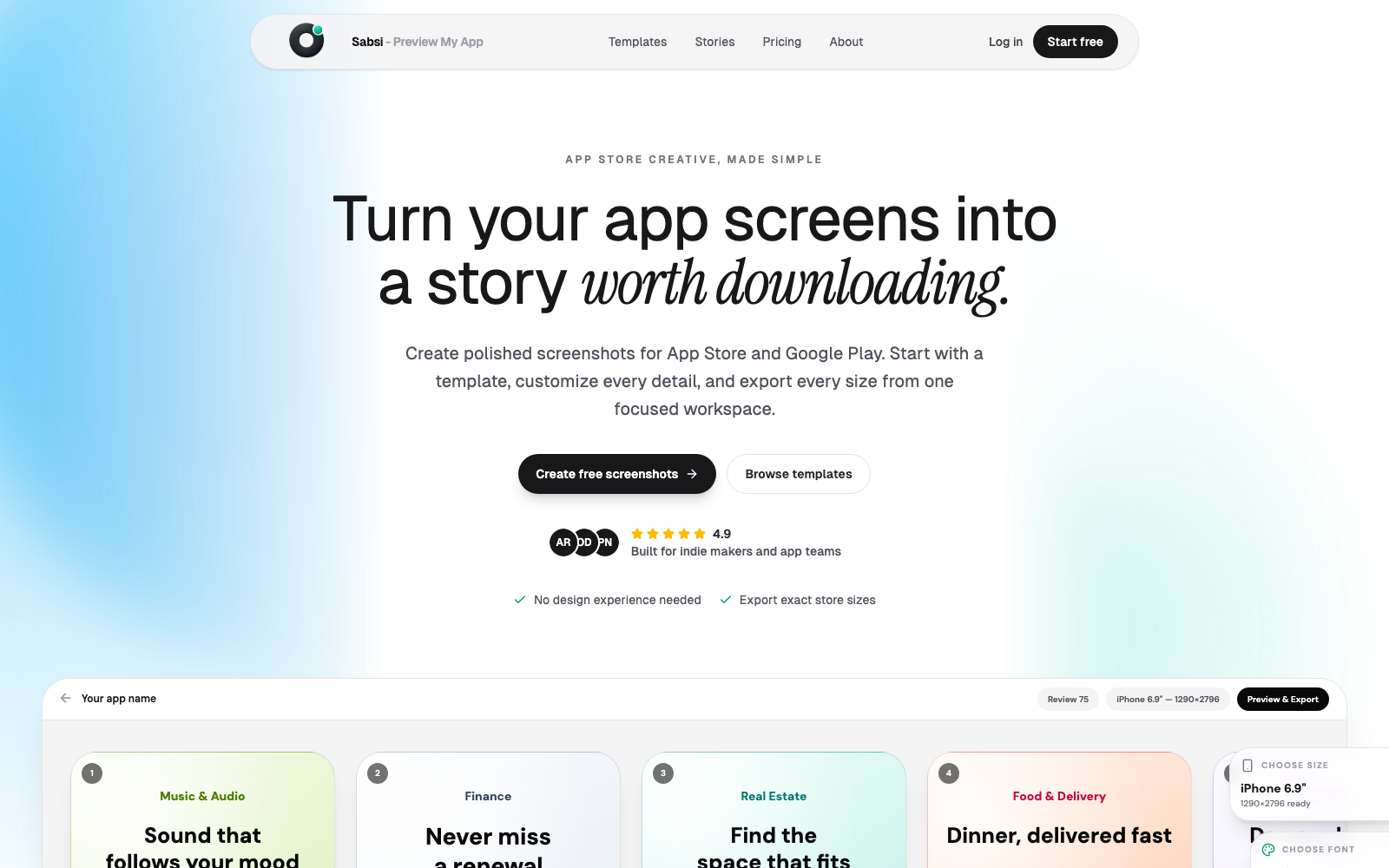
Built for app launches
Preview a complete sequence so you can judge the first impression before submitting your app.
Check how your screenshots work across phone, tablet, App Store, and Google Play contexts.
Adjust headline length, layout balance, image placement, and visual hierarchy before downloading.
Workflow
Use the real app UI you plan to show in your store listing.
Review how the screens read as a set, not just one image at a time.
Download the final graphics after the order, copy, and design are polished.
Questions
Previewing app screens helps catch weak ordering, cramped captions, mismatched branding, and screenshot crops before the assets go into your store listing.
Yes. Sabsi includes templates and visual directions that let you compare different screenshot styles for the same app.
Create a complete screenshot set, preview the sequence, and export polished assets for App Store and Google Play.
Preview app screens